For Users
Quick Start: For MusicPack Users
Hit "Open Pack Folder" to reveal the folder where Music Packs are stored. This will be the trueadaptivemusicpacks/ folder, which is generated inside of your Minecraft's installation root (the same folder where you see resourcepacks) the first time you start up Minecraft with the mod.
In TAM 2.0+ you should see a "Get More Packs" button on this screen. You can click it to download community made packs!
Otherwise, throw your .zip or directory file into this folder, then hit "Refresh", and voila! You'll see it show up on this page.
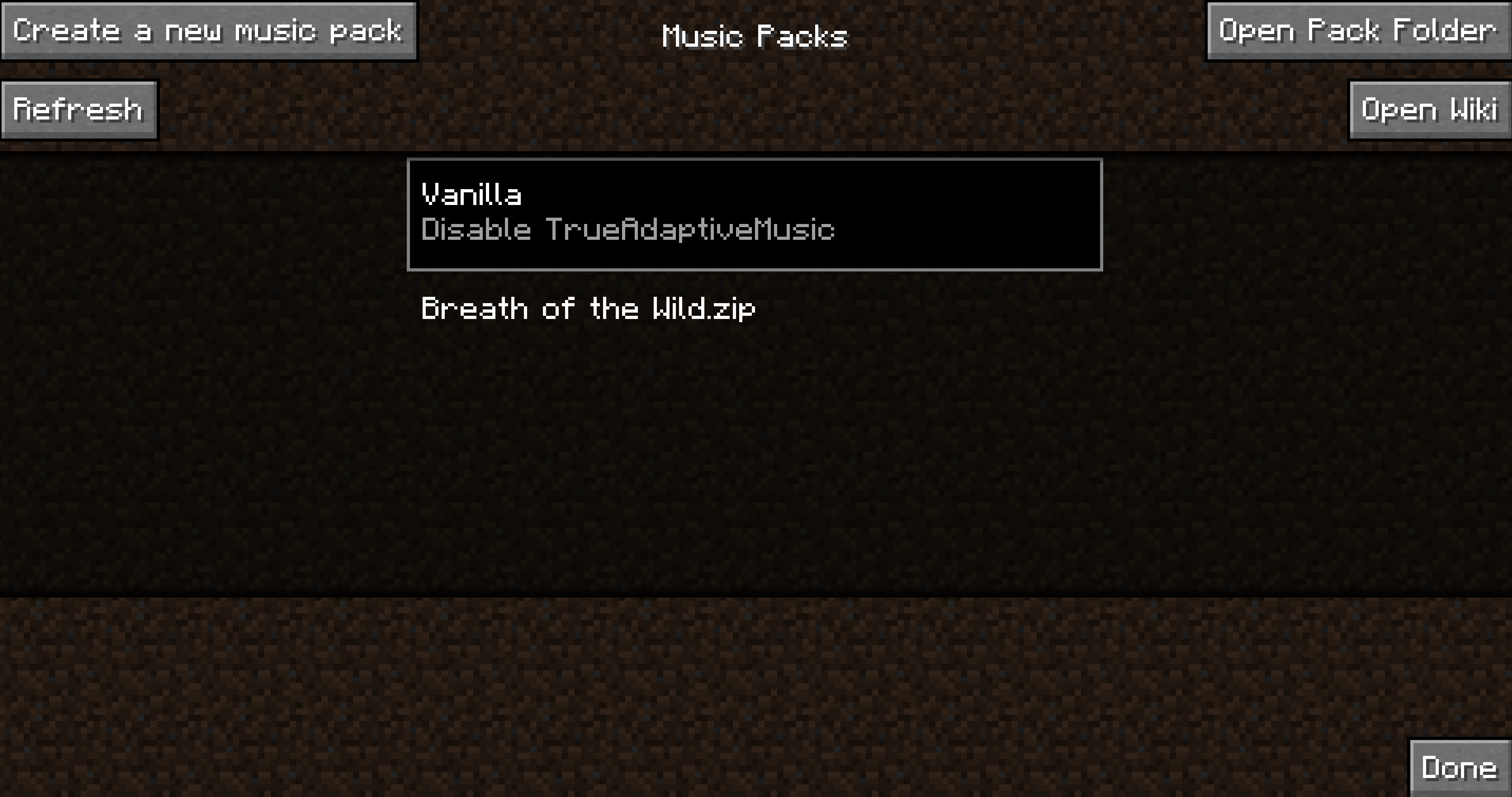
Now just click on your newly loaded pack and (assuming there is custom title screen or root music), you should immediately notice the difference! Have Fun 
If there are any issues with loading the pack such as missing dependencies, you will see an "Issues Found" message on the pack.
And that's it!
If you'd like to create a Music Pack, head on over to Quick Start: For Creators!